Practical AtlasIndependent reference
 ESP
ESP KOR
KOR JPN
JPNAI / FIELD 04
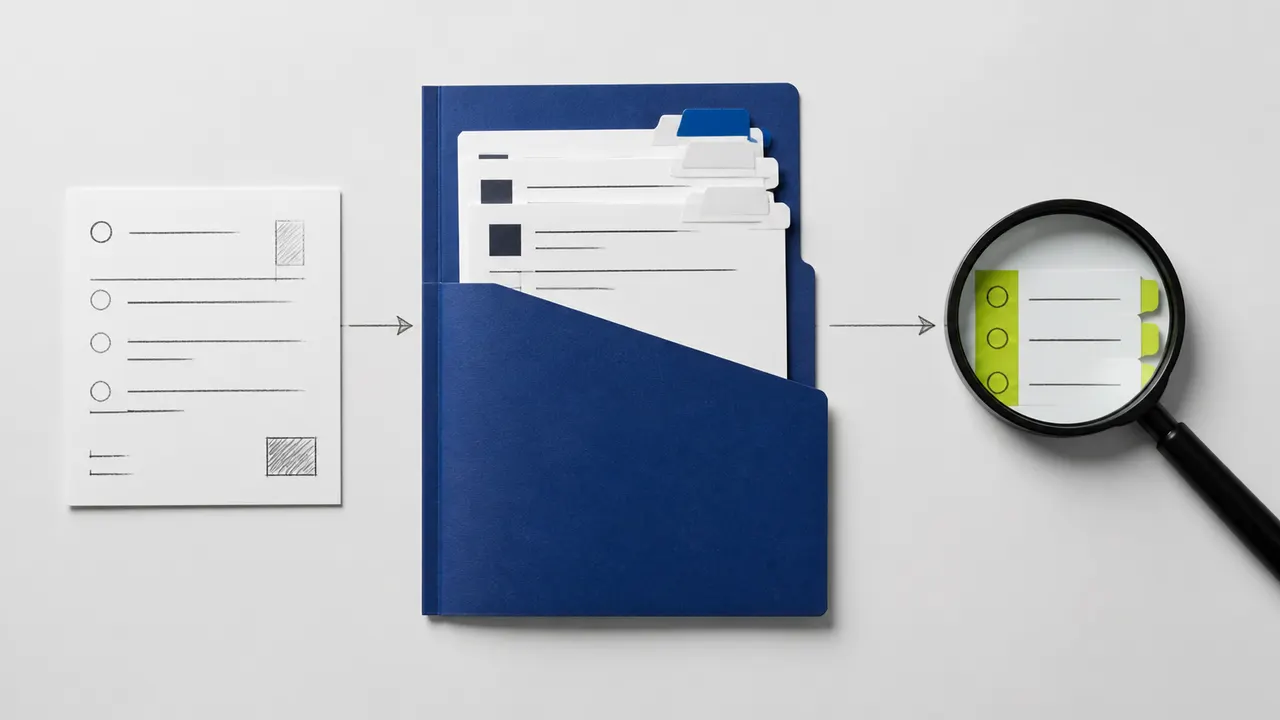
Brief the work.
Build carefully.
Verify the result.
Learn what AI can do, give Claude Code or Codex a bounded task, and inspect the evidence before you call it finished.
01 / LEARNING STAGE
Beginner
Understand the boundary between a suggestion, an action, and evidence.
Separate a generated suggestion from a tool action, then turn a small contact-form request into something you can inspect and verify.
↗AI-0002Write an AI Task Brief with Clear Acceptance CriteriaReplace “improve this form” with a bounded goal, relevant context, allowed files, acceptance checks, and explicit reasons to stop and ask.
↗AI-0003Tokens, Context, and Memory: What an Agent Can UseBuild a compact project handoff without confusing the current context, durable instructions, model training, and a summary of earlier work.
↗AI-0004Verify AI Output and Protect Project DataUse a claim ledger and a data boundary to decide what can be checked locally, what may be shared, and which actions require a separate approval.
↗02 / LEARNING STAGE
Builder
Open a project, record its rules, and make one bounded change.
Choose the current official setup for your environment, open a disposable project, and verify a read-only contact-form inspection before allowing edits.
↗AI-0006Write a CLAUDE.md That Describes Your Actual ProjectTurn verified project facts into concise Claude Code instructions, keeping durable rules separate from one-off tasks and permission enforcement.
↗AI-0007Claude Code: Plan, Build, Then Review a Small ChangeImprove one contact-form behavior with a scoped plan, a failing acceptance check, a small patch, and an independent review of the resulting diff.
↗AI-0009Your First Read-Only Project in CodexIdentify your current Codex environment, inspect a disposable repository, and verify the returned file inventory before authorizing a modification.
↗AI-0010Write AGENTS.md with Clear Directory BoundariesDescribe verified project facts, commands, and approval boundaries for Codex, then check how root and nested guidance apply to the next task.
↗03 / LEARNING STAGE
Operator
Choose environments and extensions without granting unnecessary access.
Choose the smallest extension for a repeatable workflow, and identify what it can read, execute, or send before adding it to a project.
↗AI-0011Codex Local, Worktree, or Cloud: Choose the Right BoundarySeparate working-file isolation from security and hosted execution, then choose a workspace with an explicit plan for setup, review, and cleanup.
↗AI-0012Codex Skills, MCP, Subagents, and Scheduled TasksChoose reusable guidance, a connector, bounded delegation, or a scheduled check based on the task’s real need and the access each option requires.
↗04 / LEARNING STAGE
Expert practice
Coordinate work, transfer evidence, and review the integrated result. A practice stage, not a credential.
Transfer a bounded project state with files, evidence, limitations, and a next action instead of assuming two agents share conversation history.
↗AI-0014Coordinate Parallel AI Agents Without File CollisionsSplit independent work with named file owners, dependency gates, a shared budget, and an integration review that catches cross-task assumptions.
↗AI-0015Test and Review AI-Generated Code Beyond “Tests Pass”Combine a regression check, diff inspection, browser behavior, and explicit limits so a passing command cannot hide an incomplete contact-form change.
↗TWO LOCAL INSTRUMENTS
Make the brief tangible.
Deterministic Markdown templates. No model calls, account connection, or input storage.